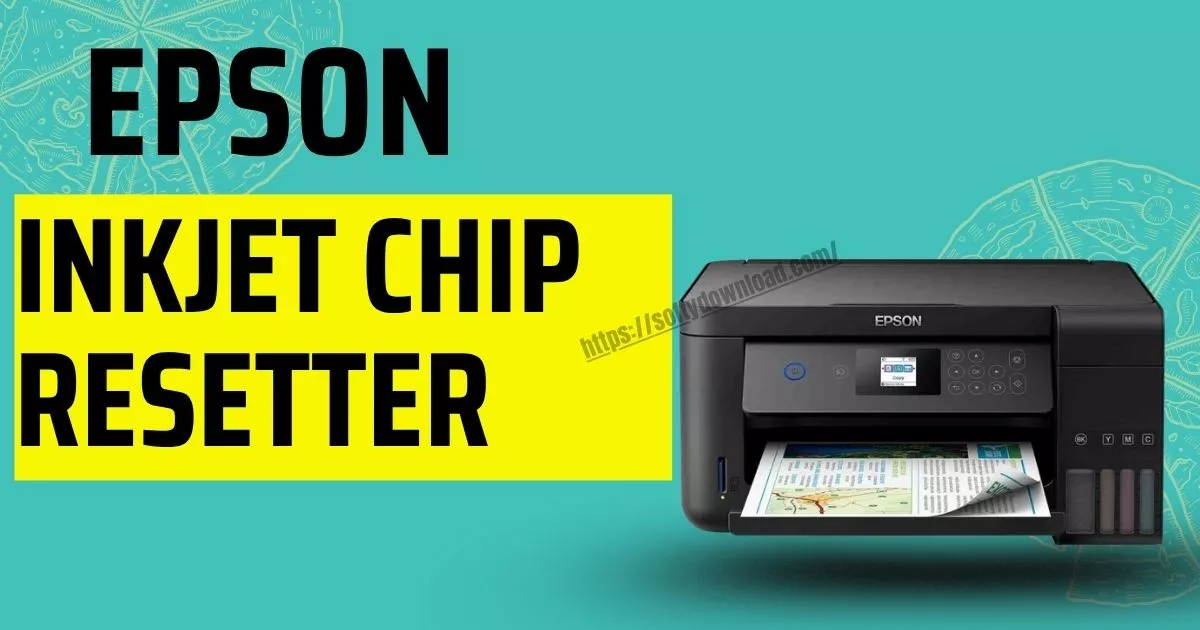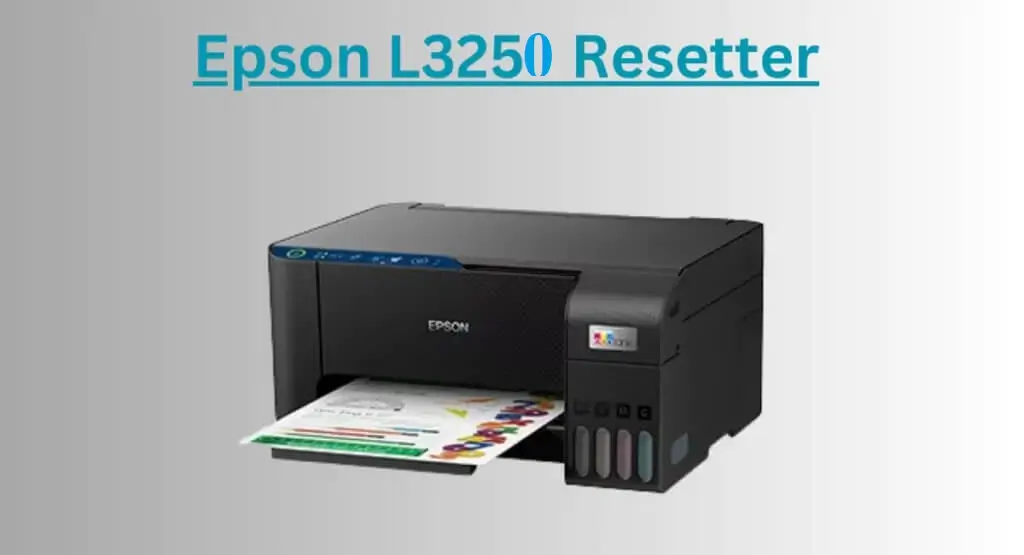

Your Epson L3250 suddenly stops printing. Then the nightmare message appears: “Service Required” Or maybe both red lights start blinking together or last 2 light blinking error showing in printer Most people think the printer is dead. It isn’t. The waste ink pad counter just hit its software limit and it can be fix by epson l3250 resetter tool using.
What is Epson L3250 Resetter?
The Epson L3250 resetter is a small tool used to reset the waste ink pad counter inside the printer. Epson printers track how much ink gets pushed into the maintenance pad during cleaning cycles. After a certain limit, the printer locks itself to avoid ink overflow.
That’s why you see:
- Service Required error
- Red light blinking
- Printer paused
- Printing stopped completely
The resetter clears that counter so the printer works again. very Simple.
Epson L3250 resetter free download
Before downloading anything, be careful. Search results for “free Epson resetter” are full of fake websites, password ZIP files, and shady EXE programs. Some even install browser junk or crypto miners in the background (yes, seriously).
Safer options:
- WIC Reset Utility
- Trusted Epson adjustment programs
- Open-source reset tools from GitHub communities
How to reset Epson L3250 printer
The process takes around 5 minutes.
Step 1: Download the reset tool
Install the reset utility on your Windows PC or laptop. ( Resetter available end of the page)
Step 2: Connect the printer
Use a USB cable.
Wi-Fi connection sometimes fails during reset mode. USB is safer.
Step 3: Open the tool
Run the reset program as Administrator.
You’ll see your printer model detected automatically.
Step 4: Check waste ink counter
Click:
Read Waste Counters
If the value is near 100%, the printer lock is expected.
Step 5: Reset the counter
Click:
Reset Waste Counters
Restart the printer after completion.
Usually the blinking lights disappear instantly after reboot.
Epson L3250 red light blinking problem
This is the most searched issue with the L3250.
And honestly, Epson causes panic with these warning lights. The printer behaves like it exploded, even though the fix is mostly software.
Common causes:
- Waste ink counter full
- Printer maintenance lock
- Ink flushing overload
- Internal protection system triggered
Sometimes cleaning the waste ink pad physically also helps, especially on heavily used printers.
Is Epson L3250 reset safe?
Yes, if you use a trusted tool.
Thousands of repair shops reset Epson printers daily. It’s normal maintenance.
But random cracked resetters from unknown sites are risky. Antivirus warnings are common because many repacked files contain modified scripts.
If a website asks for:
- disabled antivirus
- suspicious passwords
- multiple redirect pages
- sketchy Chrome extensions
Close the tab.
Immediately.
Does resetting fix print quality?
No.
A reset only removes the software lock.
If your print quality still looks bad after reset, the issue may be:
- clogged printhead
- low-quality ink
- air inside ink lines
- dirty encoder strip
Different problem entirely.
Epson L3250 adjustment program
You may also hear people call the resetter:
- Adjustment Program
- AdjProg
- Waste Ink Pad Reset Tool
- Epson Service Tool
They all basically point to the same thing.
Repair technicians just use shorter names because typing “waste ink pad counter reset utility” 20 times a day would destroy anyone’s sanity.
Final thoughts
The Epson L3250 reset process is easy once you know what the error actually means. Most printers showing “Service Required” are still perfectly usable. The system lock exists mainly to stop ink overflow after long-term use. Use trusted reset tools. Avoid random downloads. And back up important files before installing anything from the internet. Your printer probably isn’t dead.
It’s just being dramatic.
FAQs
How do I reset my Epson L3250 printer?
You can reset the Epson L3250 using a reset utility or adjustment program. Connect the printer with a USB cable, open the reset tool, check the waste ink counter, then reset it. Restart the printer after completion.
Why is my Epson L3250 showing Service Required?
This error appears when the waste ink pad counter reaches its limit. The printer stops working until the counter is reset.
Is Epson L3250 resetter free?
Some reset tools offer free trial functions. Full reset access may require a paid key depending on the software.
Can I reset Epson L3250 without software?
Usually no. The waste ink counter is controlled by firmware, so software is needed to clear the lock.
Is Epson L3250 red light blinking fixable?
Yes. In many cases the blinking red light issue is caused by the waste ink counter reaching maximum limit. Resetting the printer fixes it.
What is the Epson adjustment program?
The Epson adjustment program is a service utility used to reset waste ink counters and perform maintenance functions on Epson printers.
Does resetting Epson L3250 delete printer settings?
No. Resetting the waste ink counter does not erase Wi-Fi settings or normal printer configurations.
Can I use Epson L3250 resetter on Windows 11?
Yes. Most modern reset tools work on Windows 10 and Windows 11 systems.
Why does antivirus detect some resetters?
Many unofficial resetters are modified or repacked by third-party websites. Some contain suspicious files or bundled software, which triggers antivirus warnings.
How often does Epson L3250 need resetting?
It depends on printer usage. Heavy cleaning cycles and frequent printing fill the waste ink counter faster.