
If you own an Epson L3210 printer, you likely appreciate its efficiency and cost-effectiveness. This versatile ink tank printer is recognized for its low operating expenses and dependable performance. However, like all electronic devices, it might occasionally encounter issues, such as requiring a reset. This is where the term “Epson L3210 Resetter” becomes relevant. But what is it, and how does it function? Let’s clarify it in straightforward language.
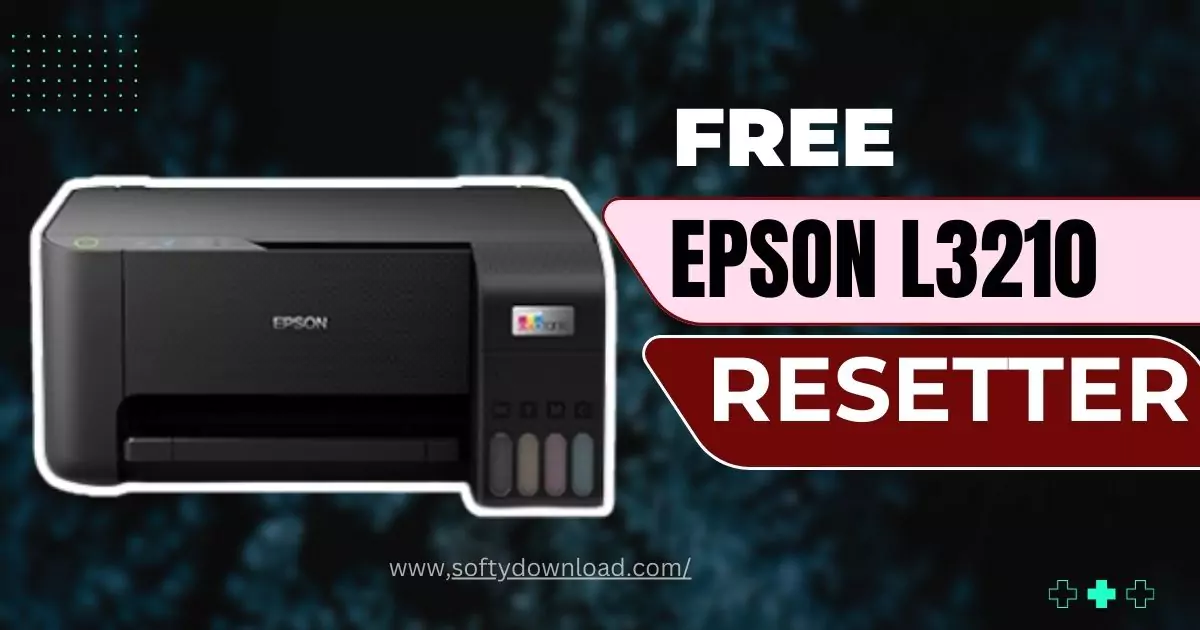
What is the Epson L3210 Resetter?
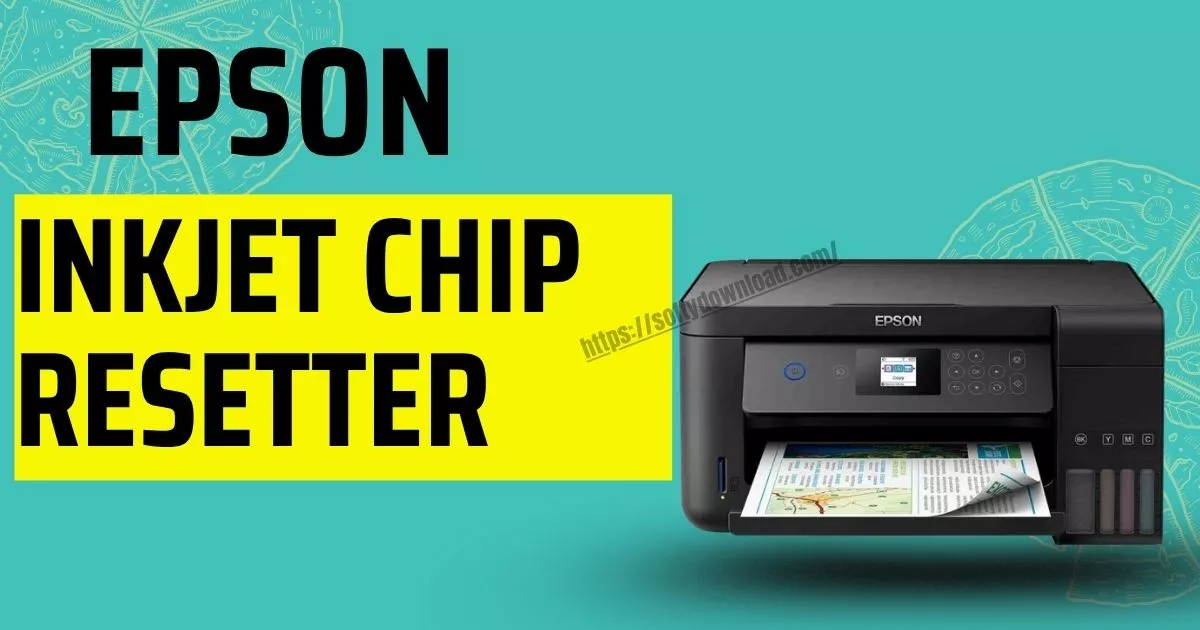
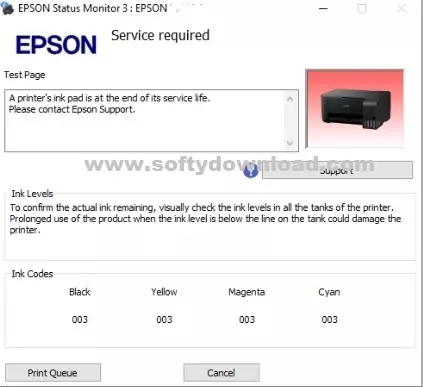
The Epson L3210 Resetter is a software tool that helps reset the waste ink pad counter on your printer. As you use your printer over time, the waste ink pad (an absorbent pad inside the printer) accumulates excess ink. To prevent leaks and maintain optimal performance, Epson has incorporated a counter to monitor how much ink the pad has collected. When this counter hits its limit, your printer will cease to function and display an error message, such as “Service Required” or “Waste Ink Pad Full.” This issue is not related to hardware but rather a software precaution. The resetter tool enables you to reset the counter, allowing your printer to operate again without the need for immediate professional assistance.
Why Do You Need It?
The waste ink pad counter is a built-in mechanism to safeguard your printer and ensure its safe operation. However, replacing the waste ink pad or sending the printer in for service can be expensive and time-consuming. Utilizing the Epson L3210 Resetter to reset the counter is a practical and economical way to prolong the lifespan of your printer.
It’s crucial to understand that resetting the counter does not physically clean or replace the waste ink pad. If the pad is full, you may still need to manually clean or replace it to prevent potential leaks or damage.
How to Use Epson L3210 Resetter Software?
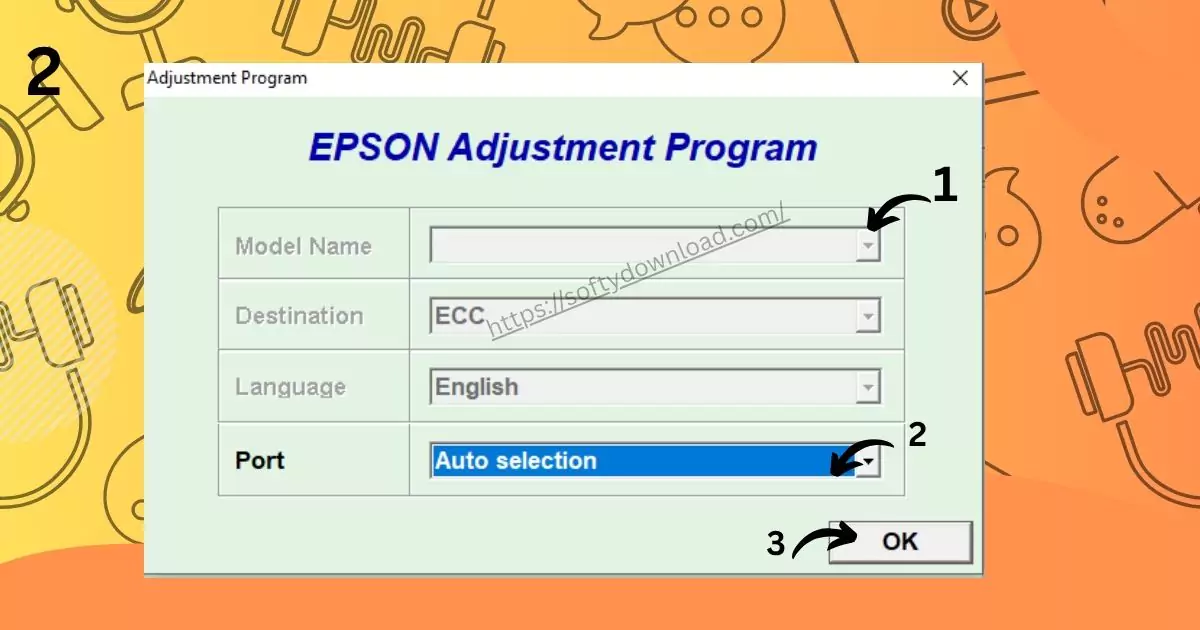
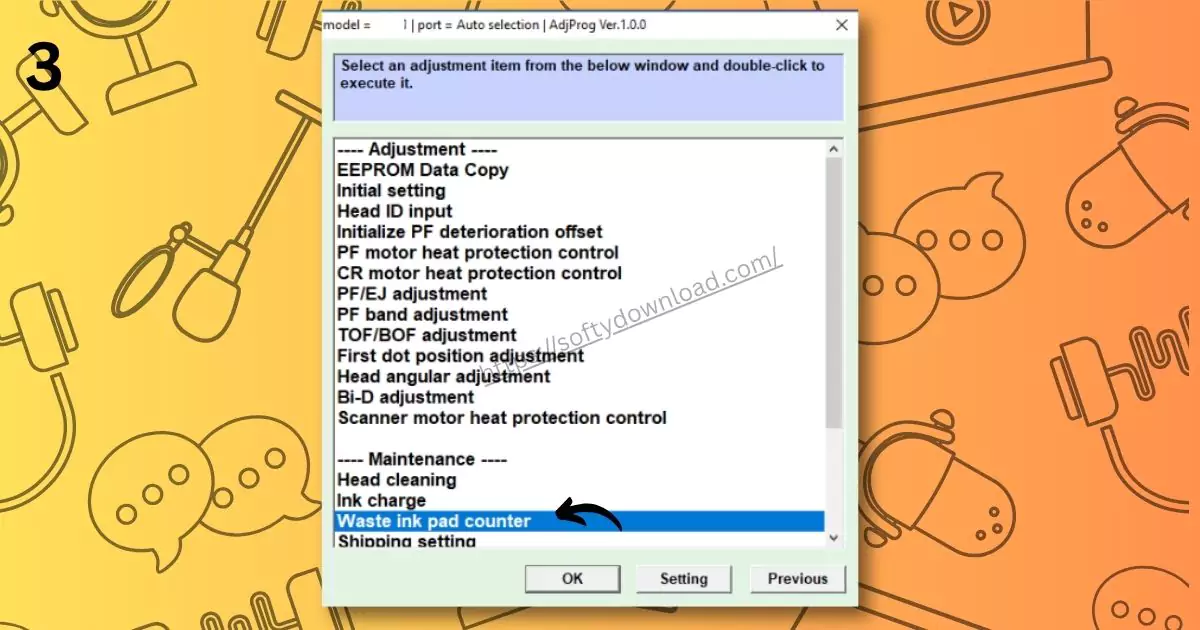
Utilizing the Epson L3210 Resetter is quite simple, but it’s important to proceed with caution to prevent any harm to your printer. Here’s an easy step-by-step process:
- Get the Resetter Software: First, you need to download the resetting tool. Ensure you obtain it from a reliable source to avoid malware or incompatible applications.
- Connect Your Printer: Power on your Epson L3210 and link it to your computer using a USB cable.
- Launch the Resetter Tool: Open the resetting software and follow the instructions provided on the screen. The tool will recognize your printer and show you the current status of the waste ink counter.
- Reset the Counter: Click the “Reset” button to clear the waste ink counter. Once the procedure is finished, your printer should stop displaying the error message.
- Reboot Your Printer: Switch off your printer, wait a few moments, then switch it back on. It should now operate normally.



Important Reminders
- Backup Your Data: Prior to using the resetter, make sure to back up any crucial data or configurations on your printer.
- Utilize Genuine Ink: Using non-genuine ink might occasionally create problems with the waste ink counter or other printer functionalities.
- Monitor the Waste Ink Pad: After resetting the counter, keep an eye on the waste ink pad. If it becomes overly saturated, think about cleaning or replacing it.
Is It Safe to Use?
The Epson L3210 Resetter is typically safe to use if executed properly. Nevertheless, it’s crucial to recognize that resetting the counter does not eliminate the need for appropriate printer upkeep. Eventually, the waste ink pad will still require attention to avert leaks or damage. Additionally, employing third-party software may sometimes void your printer’s warranty. If your printer remains under warranty, it’s advisable to consult Epson support for assistance.
FAQs – Epson L3210 Resetter Software
- 1. What is Epson L3210 Resetter Software?
It is a tool designed to reset the waste ink pad counter on Epson L3210 printers, helping resolve “Service Required” and error messages. - 2. Why does my Epson L3210 show “Service Required”?
This usually happens when the printer’s waste ink pad counter reaches its maximum limit. It’s a safety measure to prevent ink overflow. - 3. Will using the resetter software fix my printer permanently?
The software resets the counter, but it does not physically clean or replace ink pads. If pads are full, you should clean or replace them to prevent overflow. - 4. Is Epson L3210 Resetter Software safe to use?
Yes, if downloaded from a trusted source. Avoid unknown websites, as some reset tools may carry malware. - 5. Does using the resetter software void my warranty?
It might. Using third-party reset tools can sometimes void the manufacturer’s warranty. Check your warranty terms before using it. - 6. Can I use the software without connecting my printer via USB?
Most resetter software requires a direct USB connection to detect the printer. Wireless or network connections often don’t work. - 7. How often can I use the resetter software?
Only when the waste ink counter limit is reached. Frequent resets without proper maintenance may damage the printer in the long run. - 8. Where can I download Epson L3210 Resetter Software?
Use official or reputable sources. Avoid unknown download links to prevent malware or corrupted files. - 9. What should I do after using the resetter software?
Restart your printer and check for any leaks or overflowing ink pads. Perform routine maintenance to ensure long-term printer performance. - 10. Can the resetter fix other Epson printer models?
No, most resetter software is model-specific. Make sure to use a tool designed for Epson L3210.
Concluding Thoughts
The Epson L3210 Resetter is a useful tool for those looking to save both time and money on printer upkeep. It’s a straightforward solution to a widespread problem, allowing you to maintain your printer’s functionality without unnecessary interruptions. However, always utilize it judiciously and prioritize your printer’s long-term well-being.
If you feel uncertain about using the resetter or experience any difficulties, do not hesitate to reach out to a professional or Epson’s customer support. Ultimately, taking proper care of your printer ensures that it continues to serve you effectively for many years.